Links are the bread and butter of Dub.
Everything on Dub starts with a link. Whether you're creating:
- a couple of links for your marketing campaign
- hundreds of links for your affiliate program
- thousands of links for your SMS campaign
...it all starts with navigating to your Dub workspace, firing up the link builder, and creating your link.
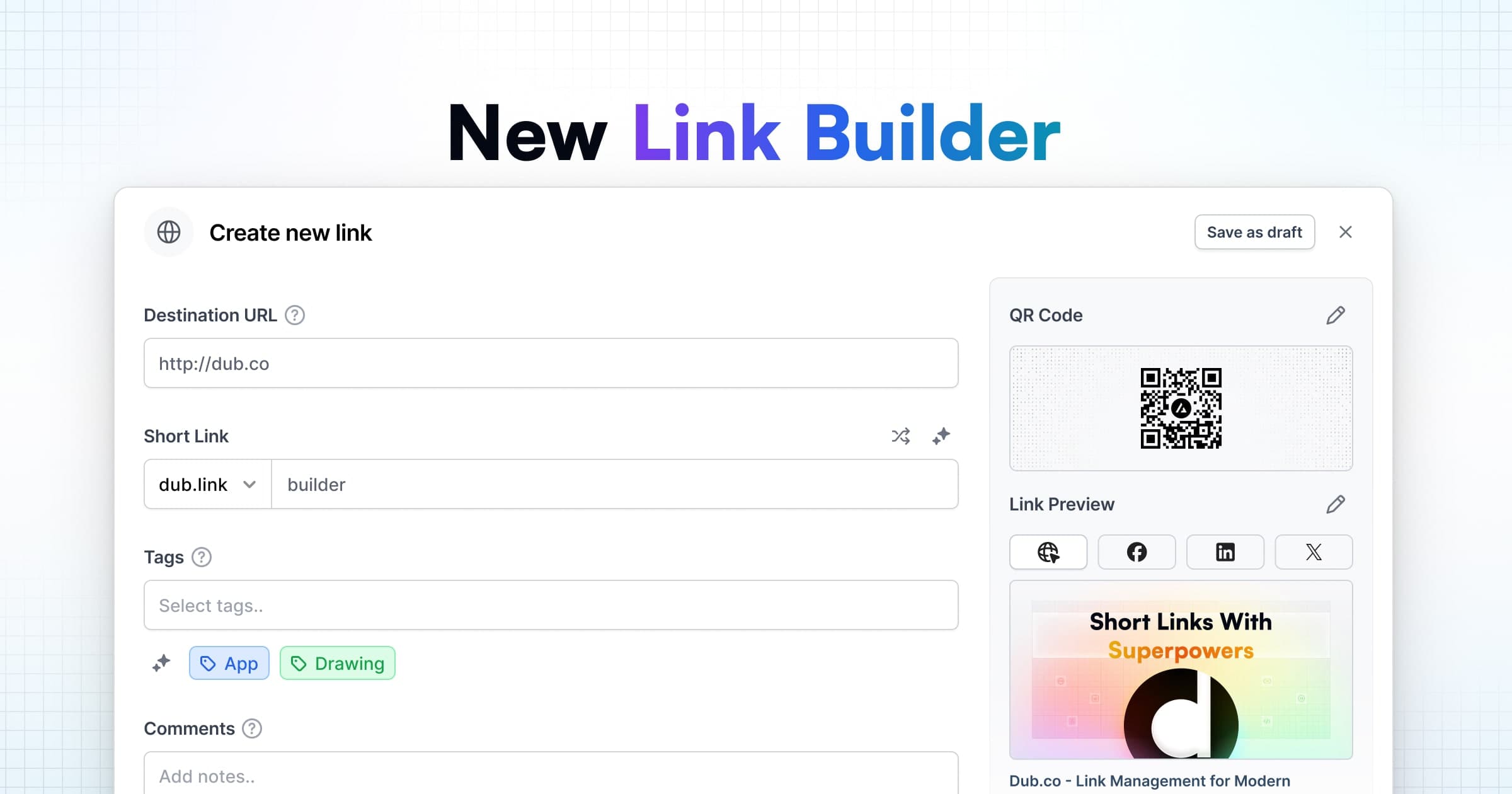
Today, we're excited to launch our new link builder – rebuilt from the ground up – to help you manage your links better.
Before we dive in, here's a live demo of the new link builder for you to play with:
Dub Link Builder
With our new link builder, we've made a few key changes to improve your link management experience.
First and foremost, we've given a higher priority to the Destination URL and Short Link input fields. This makes it much easier to see exactly what you entered and make sure it's correct.
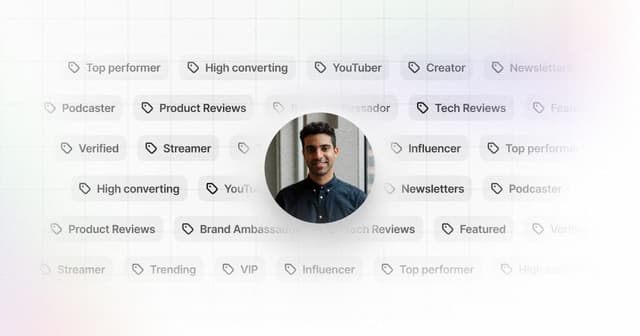
By analyzing link data on Dub, we've found that tags, comments, and custom link previews are some of our most used features. Therefore, we've put them front and center in the new link builder as well.
We've also shipped a huge improvement to the domain and tag selectors.
<video class="w-full rounded-lg border border-gray-200 drop-shadow-sm" loop="" autoPlay="" muted="" playsInline=""> Your browser does not support the video tag.</video>
You can now:
- Search across all your domains (even if you have thousands of domains in your workspace)
- Search and select multiple tags at once
- Create new tags directly from the tag selector if it doesn't exist yet
In the past, we've gotten feedback that it takes a few extra clicks to generate a QR code when creating a link. To make it easier, we've built our QR code generator right into the link builder.
One of our flagship features on Dub is custom link previews, which lets you customize how your links look when shared on social media to improve click-through rates.
In this update, we've given this feature a makeover:
- Updated link previews for Facebook, LinkedIn, and X/Twitter
- Import images from your computer, a remote URL, or Unsplash
- Use AI to generate eye-catching titles and descriptions for your links
<video class="w-full rounded-lg border border-gray-200 drop-shadow-sm" loop="" autoPlay="" muted="" playsInline=""> Your browser does not support the video tag.</video>
Another improvement to the new link builder is that your link drafts are now persisted locally in your browser storage.
This means that if you accidentally navigate away from the page or refresh it, you can easily pick up where you left off – no need to worry about losing any progress you've made.
Last but not least, we've added a variety of keyboard shortcuts to help you create links faster.
| Shortcut | Action |
|---|---|
| D | Open the domain selector |
| T | Open the tag selector |
| Q | Open the QR code modal |
| L | Open the link preview modal |
| U | Open the UTM builder |
| E | Open the link expiration modal |
| G | Open the geo/device targeting modal |
| P | Open the link password modal |
| K | Toggle link cloaking |
| S | Toggle search engine indexing |
| A | Open the advanced settings modal |
Our new link builder is now live for all Dub users. We're excited for you to start exploring it and see how it can help you create and manage your links more effectively.
If you have any feedback or suggestions for our new link builder, we'd love to hear from you – feel free to reach out to us or tweet at us!